W.AI Compute Visualizer
While shipping W.AI's beta compute contribution, I designed the mobile layout for the contribution app, a companion for tracking stats and earnings which doubles as a standalone client for contributing idle compute.
Adapting the original desktop designs in Figma, I incorporated glass-like styles across the buttons and menus to keep the interface cohesive with the contribution visualizers. I also built an internal template for partner icons so future partners could be onboarded without friction.
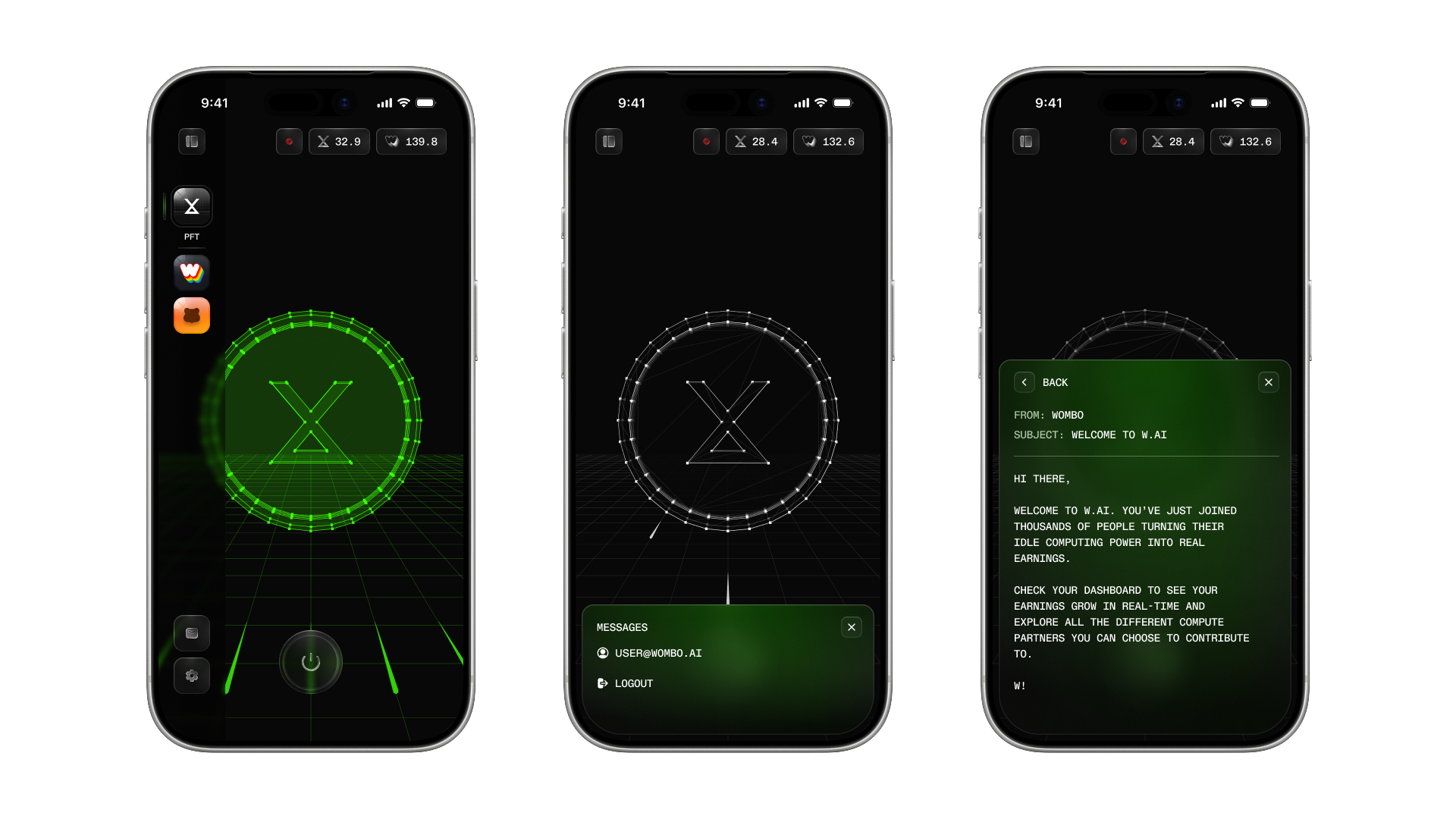
Each official launch partner has a custom lightweight visualizer tied to the device's contribution state. With the main web client built in Electron, Three.js was a natural fit as it has no iframe overhead like Spline, no fidelity loss from video compression, and a wide range of render styles via official add-ons (ASCII, parallax, raycasting, points) that make it easy to build visually distinct experiences from simple models.
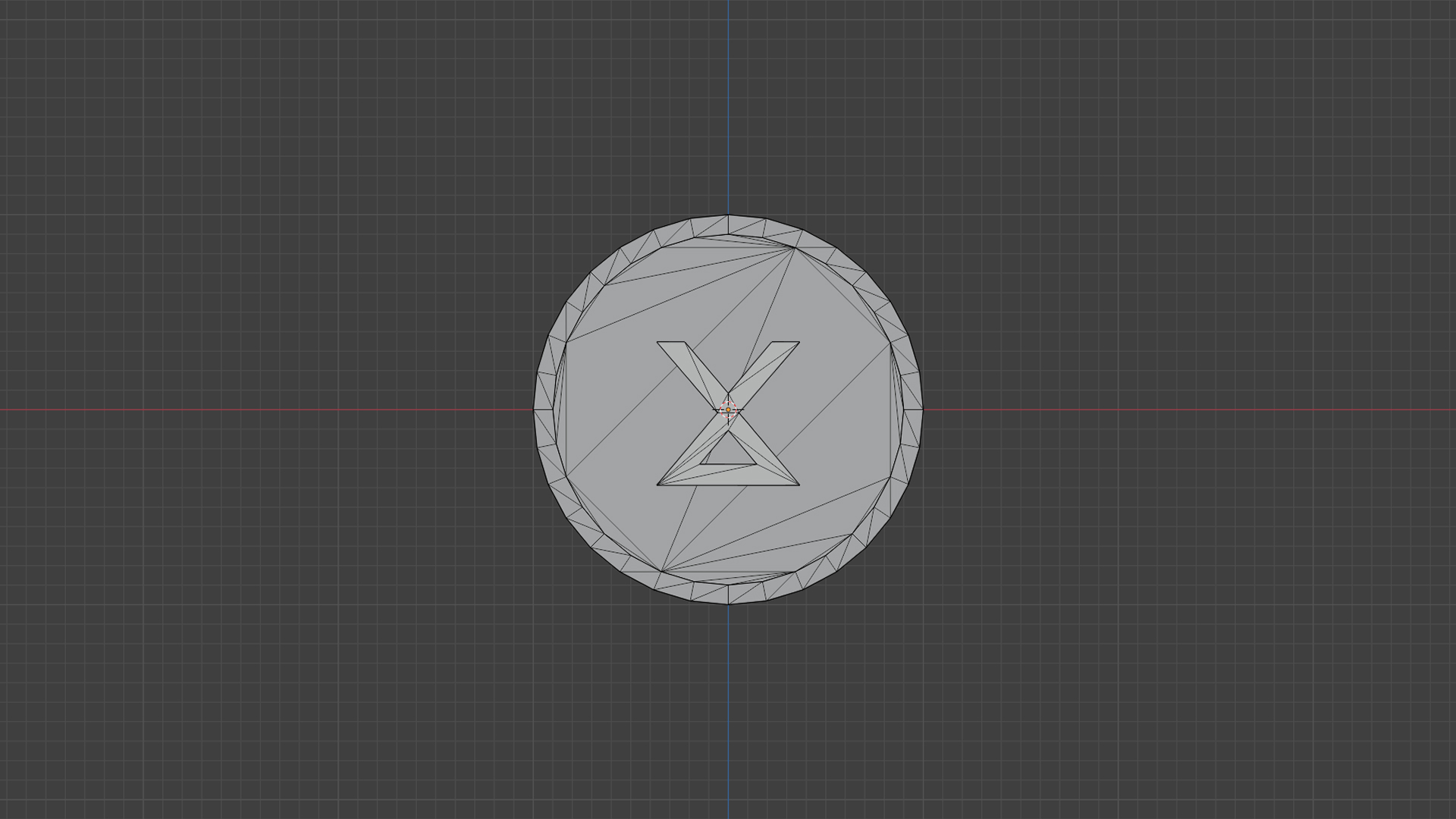
After experimenting with ideas in Figma, I modeled the main object in Blender. I kept the geometry simple to minimize file size, leaning on Three.js's WireframeGeometry for visual flair instead:
const geometry = new THREE.SphereGeometry();
const wireframe = new THREE.WireframeGeometry( geometry );
const line = new THREE.LineSegments( wireframe );
line.material.depthWrite = false;
line.material.opacity = 0.25;
line.material.transparent = true;
scene.add( line );
I added a grid plane with animated flares traveling along the Y-axis to simulate data packets moving to the client. After the composition was approved, I bound the contribution state animations to the space bar for internal demos, then worked with engineering to integrate the code into the final app.
The live demo on this page lets you test this flow directly. Note that this is an early version, and the object's appearance may differ across screen sizes. You can also view the live demo here.
Press space bar, or tap if you're on mobile, to trigger the startup sequence, then again to simulate a task completion.
The visualizer has three states: on idle, the coin pulses softly. Activation triggers a startup sequence. On task completion, the coin lights up greento signal a reward.